Your data stays on your device
Local-first: nothing leaves your phone unless you turn on sync.
 The Finances
Log an expense in seconds. See where it went the moment you do.
Most finance apps ask for an entire afternoon of setup before showing you anything useful. The Finances logs a transaction in seconds and shows you where your money is going right away.
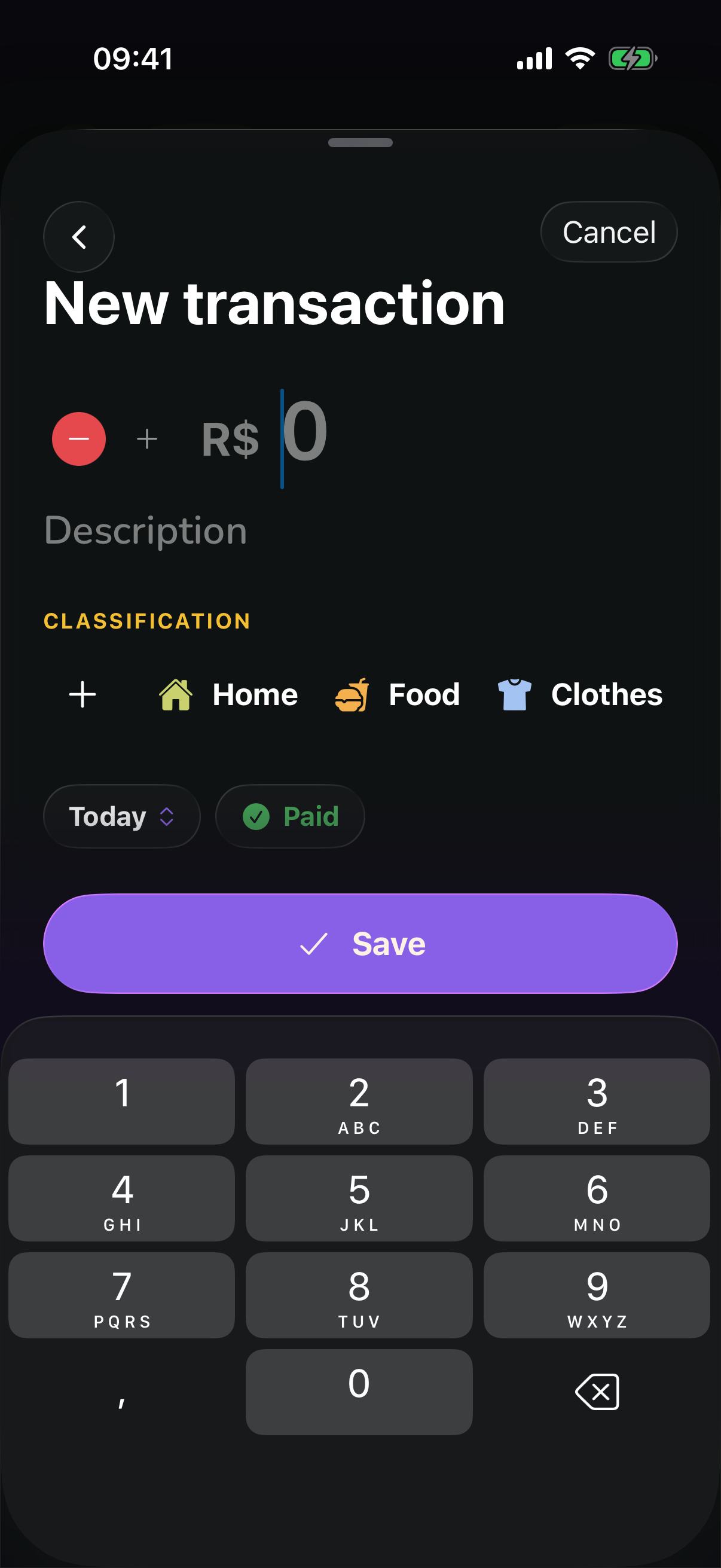
Amount, category and date on a single screen. No long form.
Create, rename and pick the icon. Nothing is locked.
Everything lives on your device. Airplane mode stops nothing.
Say “groceries, 150” and the app fills in the rest.
Set a limit per category and see how much is left.
Turn sync on and the same data shows up everywhere.
Amount, payment method, date and category on one screen. Tap save and go back to what you were doing.
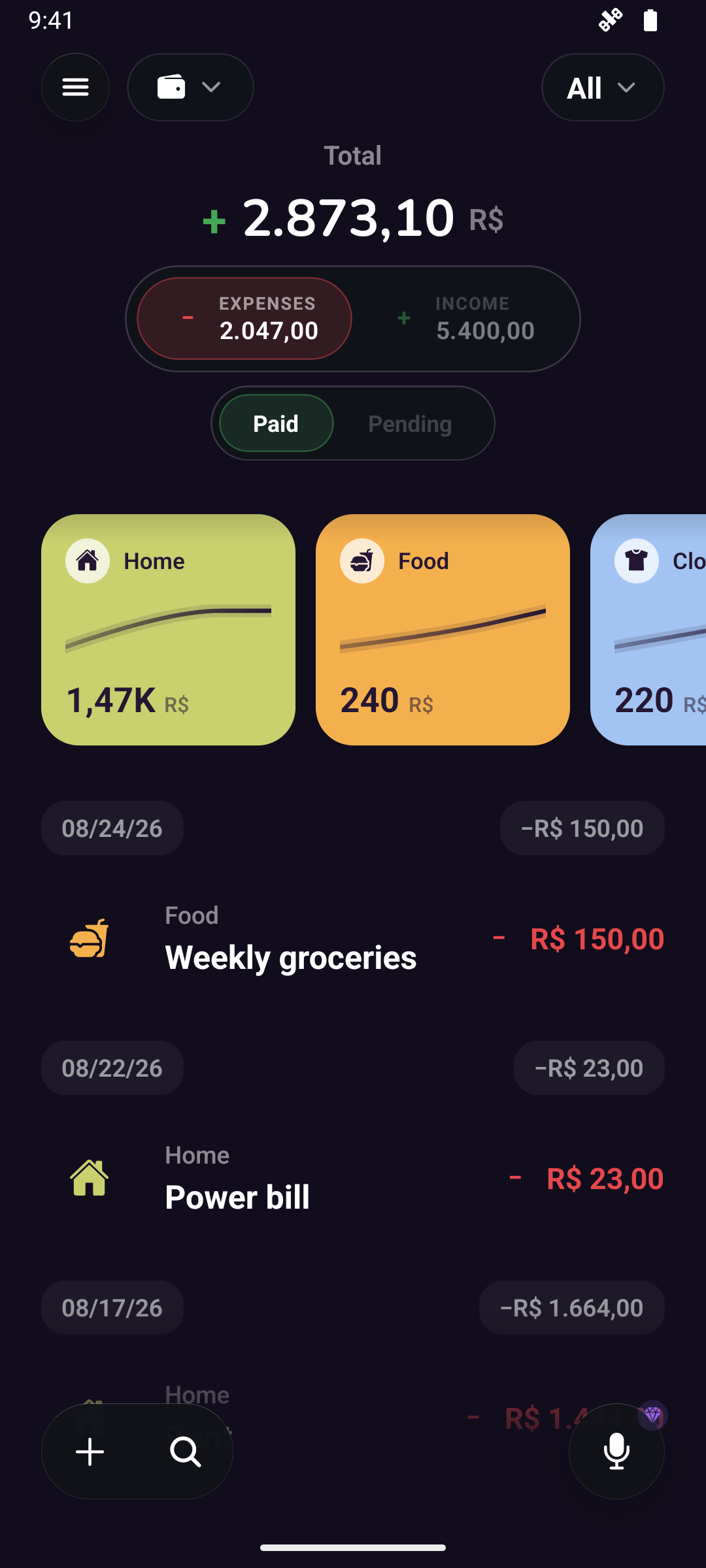
The month total up top, every category showing how much it has spent this period, and the full list right below. One glance is enough.
A money app is only useful if you can trust it. These are the commitments that don't change.
Local-first: nothing leaves your phone unless you turn on sync.
Use it in whichever language you prefer, from day one.
Transactions, accounts, categories and more — no catch, no credit card.
Clear privacy policy, your data rights always respected.
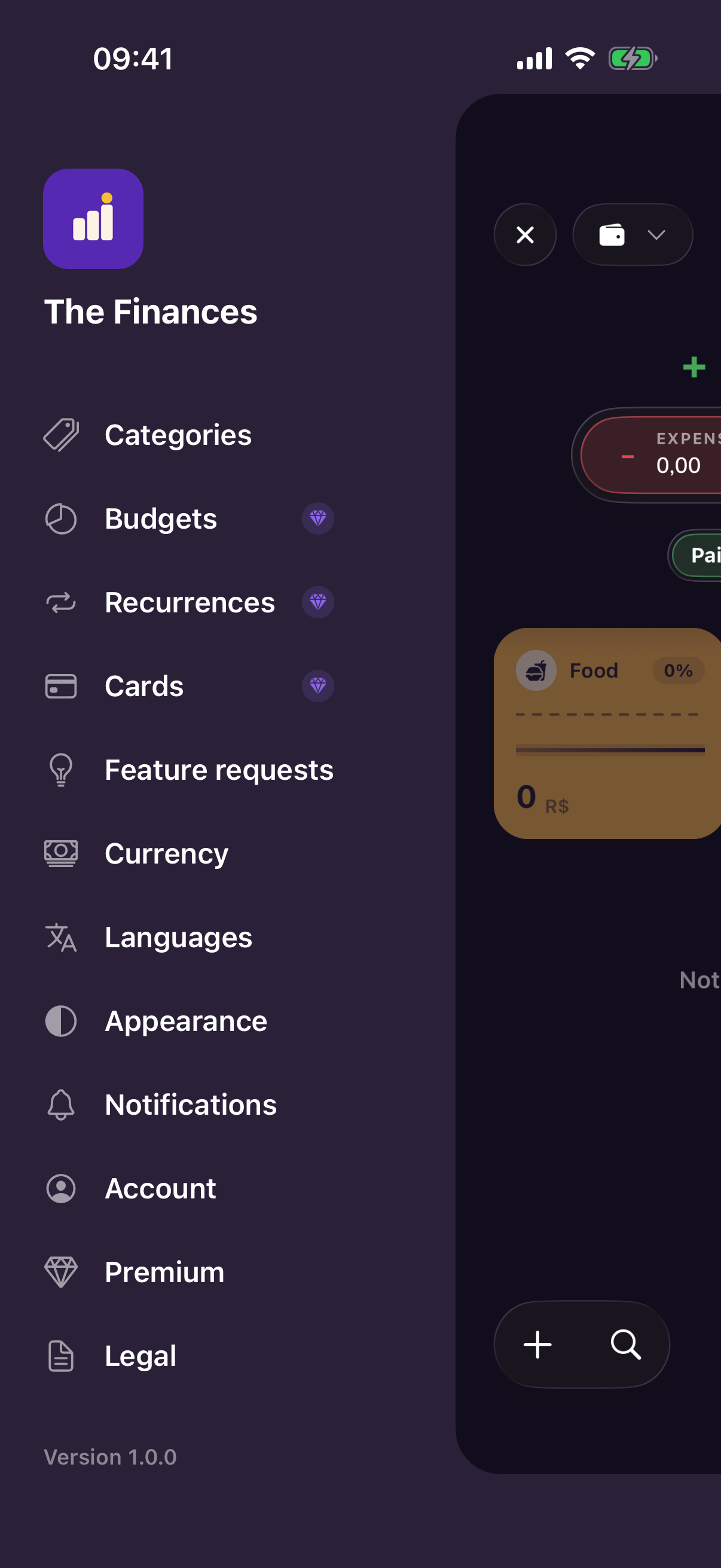
Categories, budgets, recurring entries, cards, currency, language and appearance. One menu, no menus inside menus.
9
Portuguese, English, Spanish, French, German, Italian, Japanese, Korean and Chinese — from day one.
1
Say the expense and AI fills in amount, category and date. You just confirm.
∞
Turn sync on and the same data follows you across every device you own.
The essentials are free forever. Premium is for going further.
Dashboard, filters and browsing by period.
Keep personal, home or business apart, each with its own entries.
Create and tweak categories your way.
Pick from more than 30 currencies to display your amounts.
Light, dark or following your system.
Use the app in whichever language you prefer.
Log a transaction just by speaking, with AI.
Fixed bills log themselves every month.
The same data on every one of your devices.
Invite someone to an account and log together, always in sync.
Statements, closing cycles and installments, all organized.
Set limits per category and period.
Heads-ups when a budget or a card's spending cap gets close to the limit.
CSV or PDF for any period, to share or keep.
Vote on and propose the app's next feature.
Free on Google Play and the App Store, with the essentials unlocked forever.
The biggest reason people abandon budgeting isn't lack of willpower — it's the friction of opening the app, navigating to the right screen, and filling out a form.
You can rebalance your finances without giving up everything that brings you joy — the difference is in cutting the right things, not cutting more of everything.
Setting a limit per category is simpler than it sounds — and it's the most direct way to stop spending more than you earn.